SEGRO Courses
Home | Excel | Power BI | Copilot | Visualising Data
Power BI Courses Joining Instructions
We recommend that attendees have two screens attached to their laptop: one for the Teams session where the instructor shares their screen and another for the lab exercises.
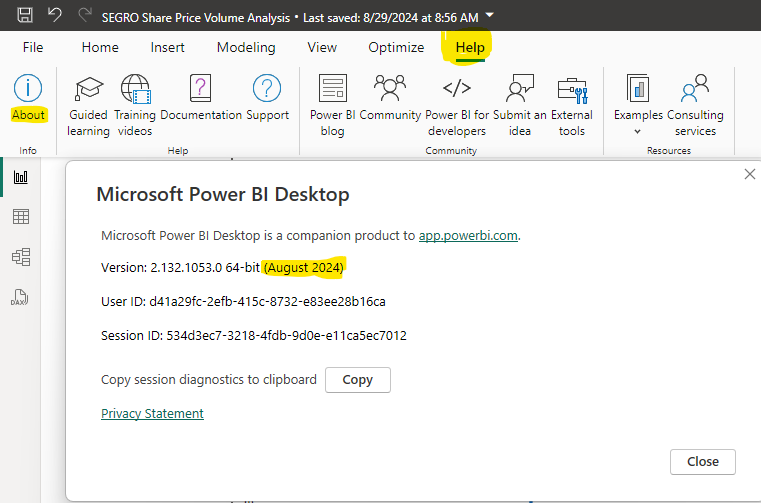
You must have a recent version of Power BI Desktop (May 2025 or later) installed on your PC. You can check the version by opening Power BI Desktop, and clicking Help on the menu then About on the ribbon. A dialog box appears showing the version (month and year) similar to the snapshot below.
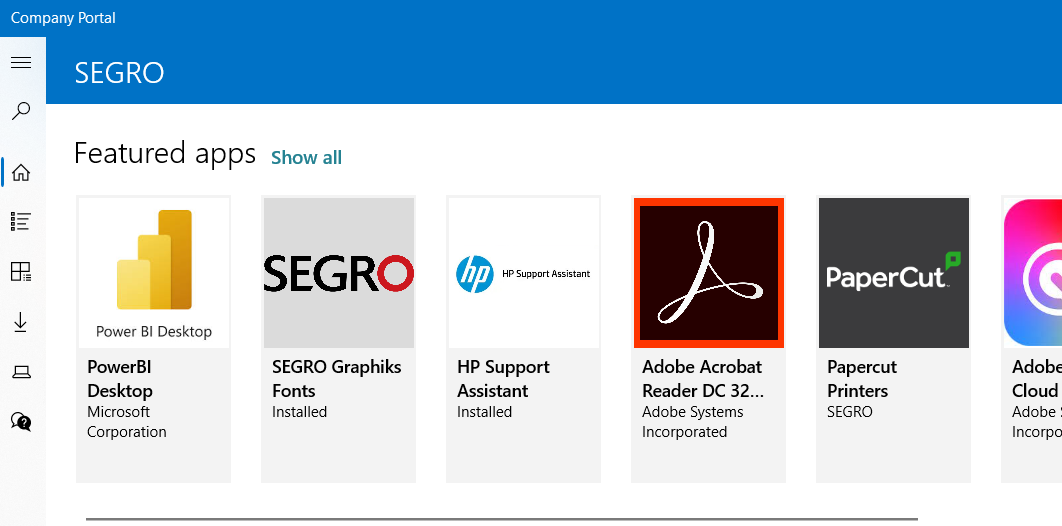
If you do not have Power BI Desktop, or you have an old version, then you should be able to install/update it from your Company Portal.
- Open the search bar and type ‘Company Portal’.
- You should then see Power BI Desktop. If you cannot locate it, please utilise the search option on the left side of the screen.
Quick check to confirm Power BI Desktop is installed properly
To check that you have installed Power BI Desktop, here is a link to a file created by Power BI Desktop. Click here to downlolad
Once you click on this link, you will see a screen like this.

Click on the button with the down arrow (highlighted in yellow) to download this to your PC.
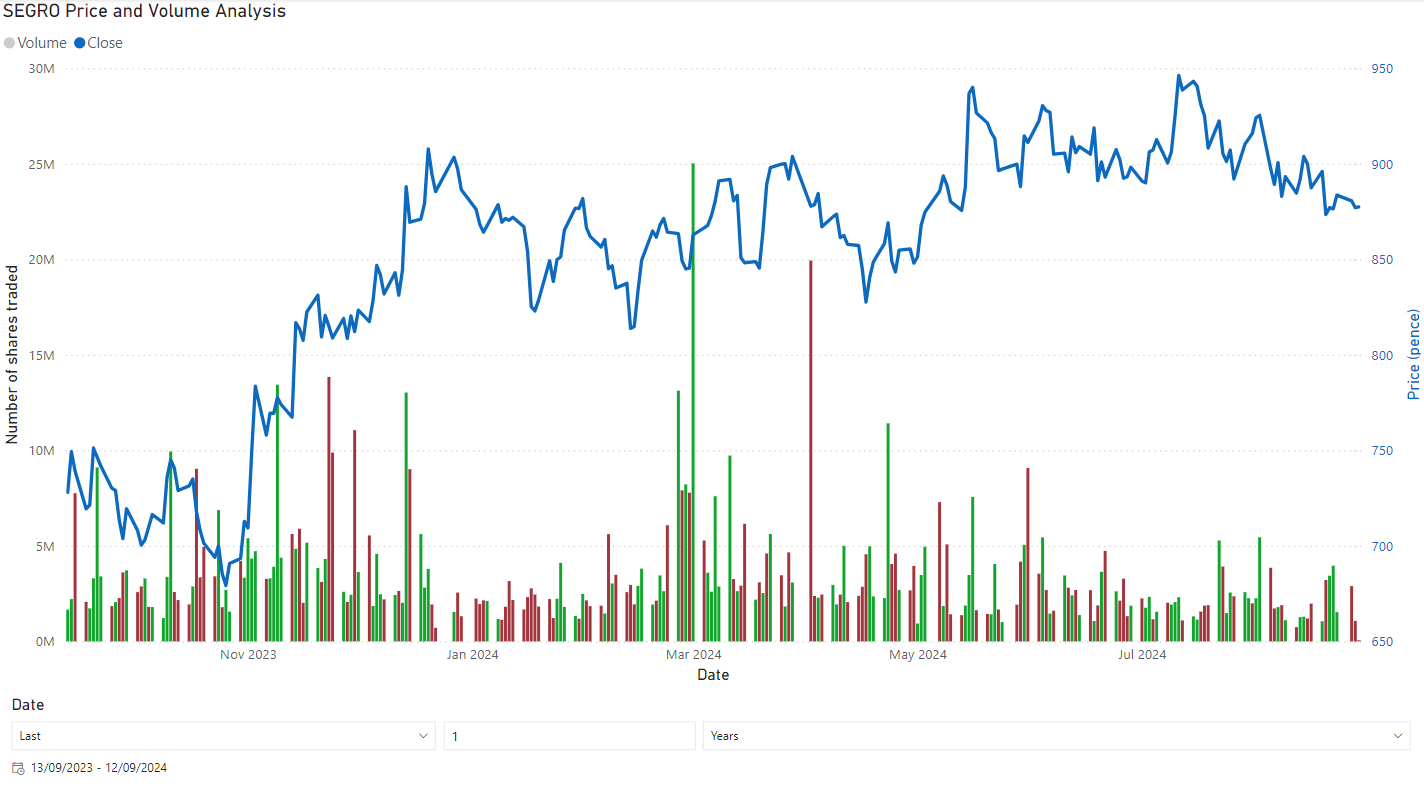
Once downloaded, double-click the downloaded file. If you have Power BI Desktop installed, this should launch the program and you will see a screen that shows the report such as the snapshot below